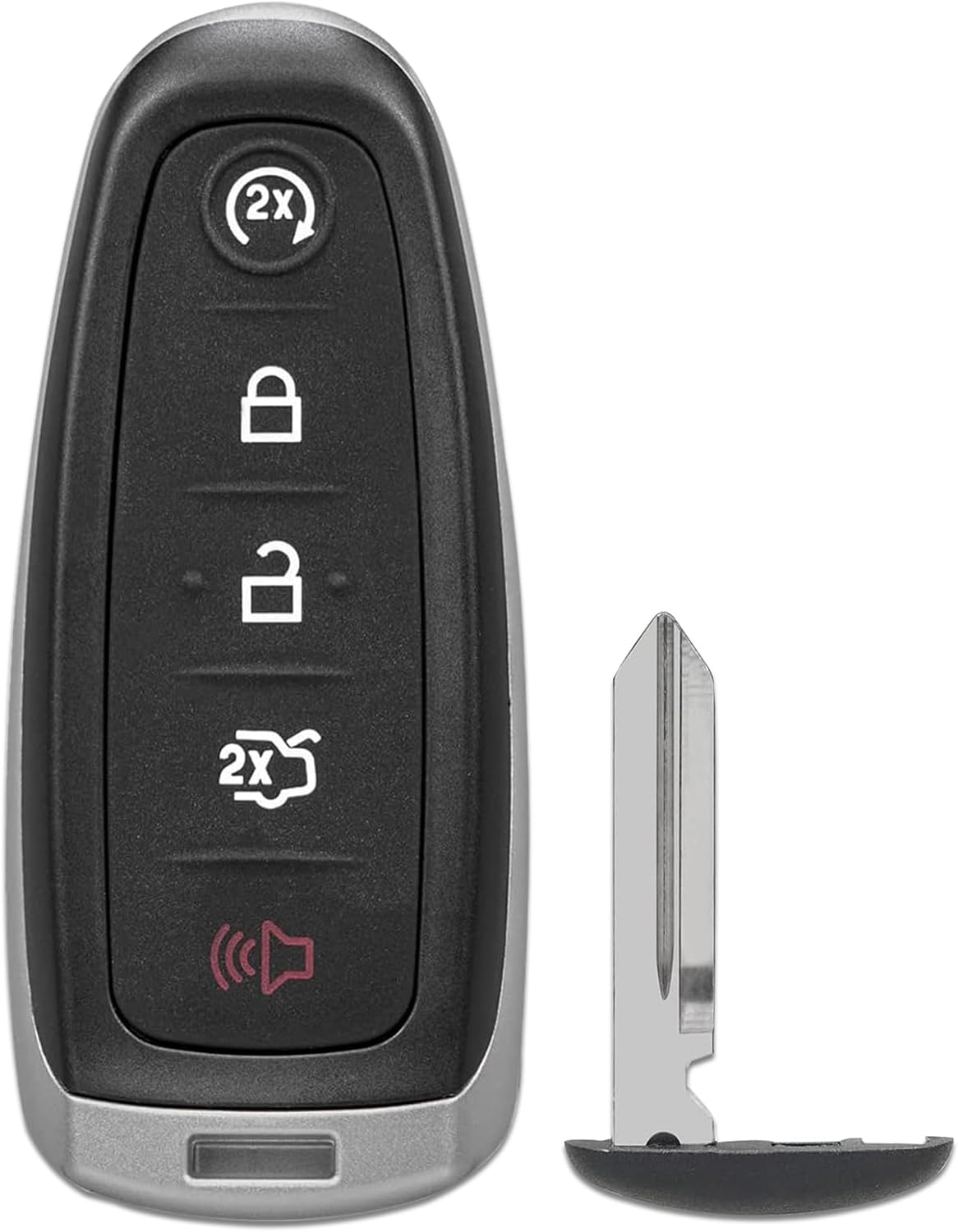
2014-2015 Ford Focus with Prox
2014-2015 Ford Focus (with Prox)
Key and Remote Programming Information
Click to Expand
No on-board programming is available.
Step by Step How to Program Instructions:
Use these instructions if you have a Key or Remotehead Key system
To add a new key to the system two previously programmed keys are required to add a third key. If two are not available, you will need to contact a local locksmith to program a key.
1. Insert the first previously programmed key into the ignition.
2. Switch the ignition from off to on. Keep the ignition on for at least three seconds, but no more than 10 seconds.
3. Switch the ignition off and remove the first programmed key from the ignition.
4. After three seconds but within 10 seconds of switching the ignition off, insert the second previously programmed key into the ignition.
5. Switch the ignition from off to on. Keep the ignition on for at least three seconds, but no more than 10 seconds.
6. Switch the ignition off and remove the second previously programmed key from the ignition.
7. After three seconds but within 10 seconds of switching the ignition off and removing the previously programmed key, insert the new unprogrammed key into the ignition.
8. Switch the ignition from off to on. Keep the ignition on for at least six seconds.
9. Remove the newly programmed key from the ignition. If the key has been successfully programmed it will start the engine and operate the remote entry system (if the new key is an integrated keyhead transmitter). If it was not programmed successfully, wait 10 seconds and repeat Steps 1 through 8.
Use these instructions if your Ford Focus has the smart key system.
You must have two previously programmed keys to program a spare key.
Make sure that the ignition is switched off before beginning this procedure. Make sure that you close all the doors before beginning and that they remain closed throughout the procedure. Carry out all steps within 30 seconds of starting the sequence. Stop and wait for at least one minute before starting again if you carry out any steps out of sequence.
Note: You can program a maximum of eight smart keys to your vehicle.
Read and understand the entire procedure before you begin.
1. Open the floor console storage compartment lid.
2. Remove the tray.
3. Place the first programmed smart key flat on the symbol at the bottom of the floor console storage compartment.
4. Press the push button ignition switch.
5. Wait five seconds and then press the push button ignition switch again.
6. Remove the intelligent access key.
7. Within 10 seconds, place a second programmed smart key flat on the symbol.
8. Press the push button ignition switch.
9. Wait five seconds and then press the push button ignition switch again.
10. Remove the smart key.
11. Within 10 seconds, place the unprogrammed smart key flat on the symbol.
12. Press the push button ignition switch.
Programming is now complete. Check that the remote control functions operate and
your vehicle starts with the new smart key.
If programming was unsuccessful, wait 10 seconds and repeat Steps 1 through 12.
Primary Key Blank:
PROX FOB
Emergency Key:
5923267
Transponder/Clone Info:
Not Cloneable
Replacement key blank by Brand:
Not Available
Key Codes:
11501–1300
Code Location:
Unknown at this time
Tumbler Locations
| Spaces | 1 | 2 | 3 | 4 | 5 | 6 | 7 | 8 |
|---|---|---|---|---|---|---|---|---|
| IGNITION | ||||||||
| DOOR | ||||||||
| TRUNK | ||||||||
| HATCH | ||||||||
| GLOVE |